PDFDOK

QR Code Generator

Create dynamic QR codes for links, text, files, Wi-Fi, email, calls, WhatsApp, apps, videos, and social media.

1

Complete the content

2

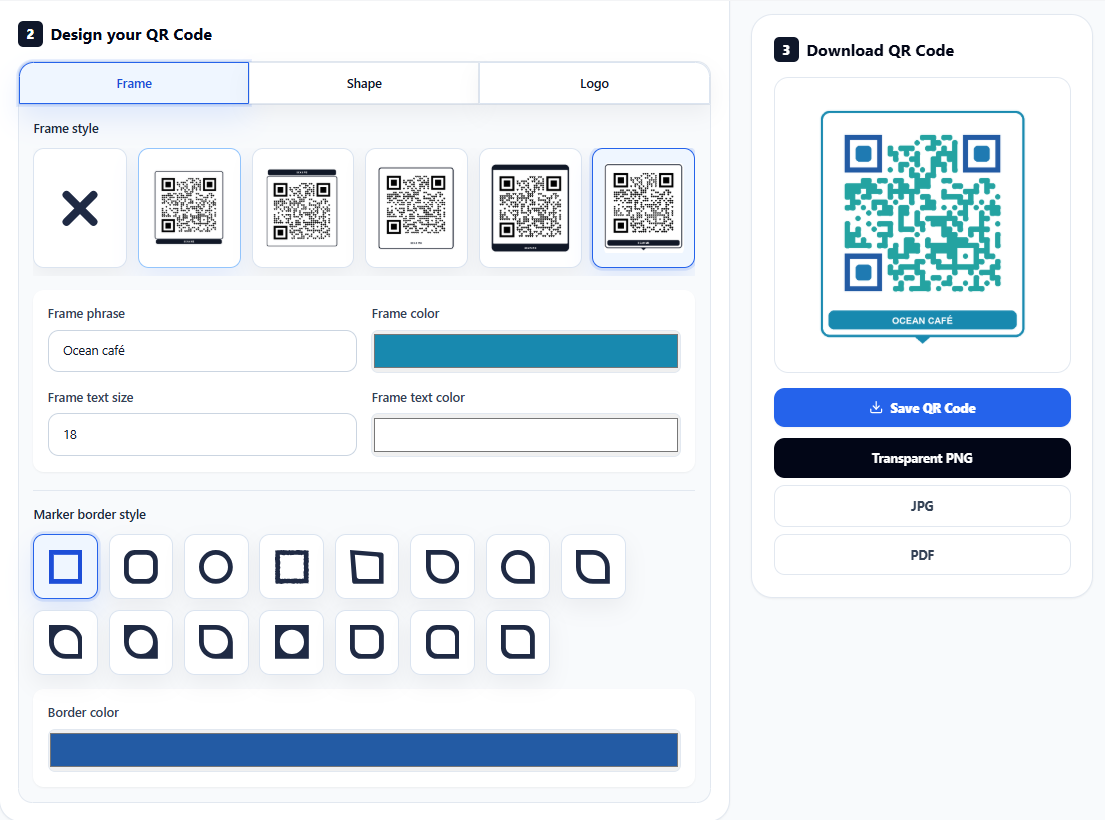
Design your QR Code

Frame style

Marker border style

Shape style

Marker center style

Dynamic QR code generator

Editable QR codes.

A static QR code locks the destination forever. A PDFDOK dynamic QR code points through your account first, so you can edit the final destination later without replacing printed cards, menus, packaging, posters, or labels.

Edit later

Change URLs, files, and campaign links.

Save costs

Avoid reprinting when content changes.

Style it

Frames, shapes, colors, logos, and text.

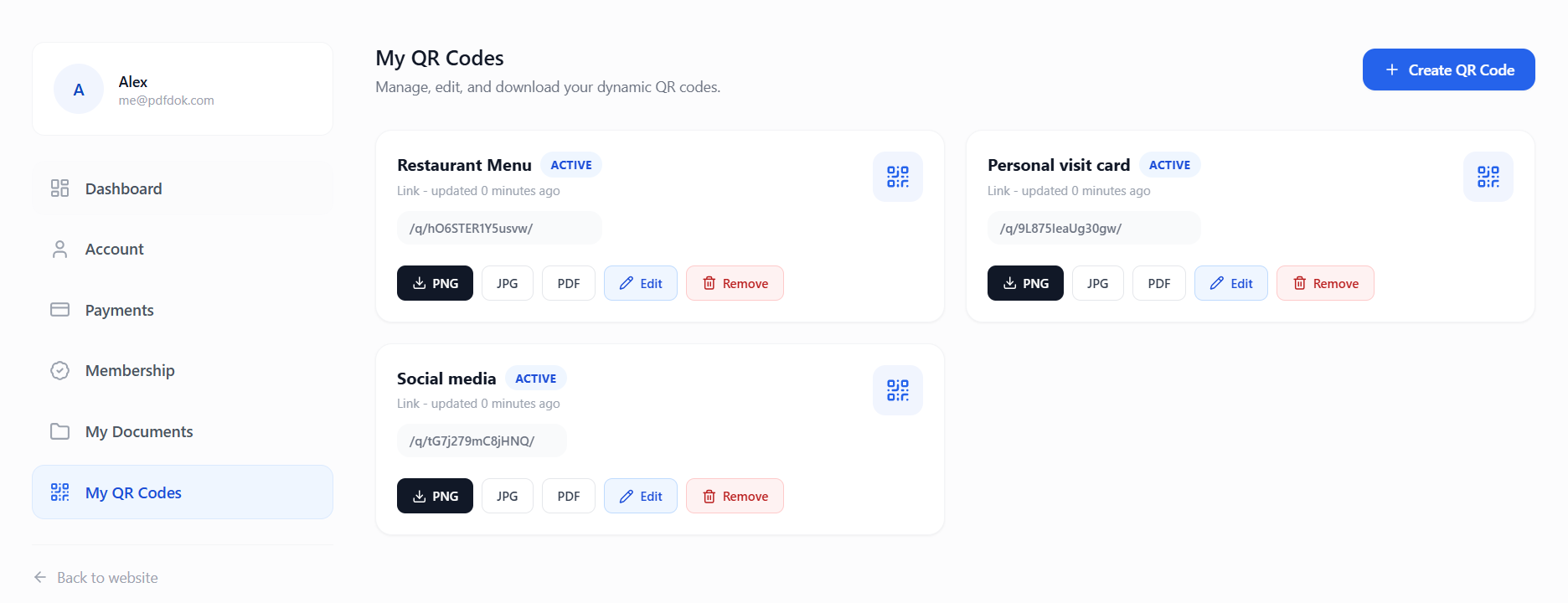
My QR Codes management dashboard

Choose what your QR code does

One builder for everyday QR code types.

Hover a QR type to scan it and reveal what it does. Click a QR type to jump back to the builder with that tool selected.

Link QR codes

Link QR codes open a website, menu, landing page, checkout page, or any URL you want to update later without reprinting the QR code.

Required fields

Website URL or campaign landing page

Best for

Menus, product pages, checkout links, posters, and ads

Manage after launch

Update live QR codes from your dashboard.

Every dynamic QR code is saved in your account. You can edit the destination, download PNG/JPG/PDF again, and keep campaigns alive without replacing the QR printed on menus, packaging, cards, windows, or flyers.

Change destinations

Point the same scan code to a new page, file, menu, or campaign.

Download anytime

Export transparent PNG, JPG, or PDF from your QR dashboard.

Organize by use case

Keep restaurant menus, visit cards, socials, and PDFs separate.

Protect print budget

Do not reprint just because a URL or document changed.

Dynamic QR dashboard with editable QR code cards
QR code style editor with custom frame and colors

Design control

Customize the QR before you publish it.

The builder is not only a black-and-white code generator. It lets you design frame style, frame phrase, frame text size, frame text color, shape color, marker borders, marker centers, background, and logo so the QR feels intentional.

Frame style Text size Text color QR shapes Marker borders Logo upload PNG / JPG / PDF

No static redesign loop

Create a branded QR once, then keep editing the destination behind it as your campaign changes.

Scannable dynamic QR code

Printed pieces

500

Potential saved

EUR 250

Estimate uses EUR 0.50 per replaced printed piece.

How it works

Create, customize, and update your QR code anytime.

1

Choose QR Code Type

First step would be to choose your QR Code Type. This will define what your QR Code will do.

2

Fill required fields

Then, you will need to fill the required fields that the QR Code type is asking. For example, Type Link will ask for a website URL.

3

Download & Share QR Code

Finally, you can download and share your QR Code generated from your dashboard and edit it later if needed.

Secure

Temporary file storage

Schnell

Results in seconds

Quality

Professional output

About this tool

QR Code Generator

Create dynamic QR codes for links, text, files, Wi-Fi, email, calls, WhatsApp, apps, videos, and social media.

Free QR Code Generator Online

Create a QR code instantly with PDFDok's Free QR Code Generator. Generate QR codes for websites, text, email addresses, phone numbers, Wi-Fi networks, and more in just a few clicks.

There's no software to install and no complicated setup. Simply enter your content, generate your QR code, and download it in seconds. Whether you're creating QR codes for business, marketing, events, or personal use, PDFDok offers a fast and reliable online solution.

Why Use PDFDok's QR Code Generator?

A QR code makes it easy for people to access information by simply scanning it with their smartphone. Instead of typing long URLs or contact details, users can connect instantly.

Key Features

Generate QR codes online for free.
Create QR codes for URLs, text, email, phone numbers, and Wi-Fi.
Instant QR code generation.
Download high-quality QR codes.
Works on desktop, tablet, and mobile devices.
No registration or software installation required.

Create QR Codes for Any Purpose

Whether you're promoting a website, sharing contact information, connecting users to Wi-Fi, or adding QR codes to flyers, business cards, menus, and posters, PDFDok helps you create professional-looking QR codes in seconds.
Keep creating

Try a related tool or discover another way to work with your files.

Alle Tools

Häufig gestellte Fragen

Ja. Dateien werden über sichere Verbindungen übertragen und als temporäre Arbeitsdateien verarbeitet, nicht als dauerhaft öffentliche Uploads.
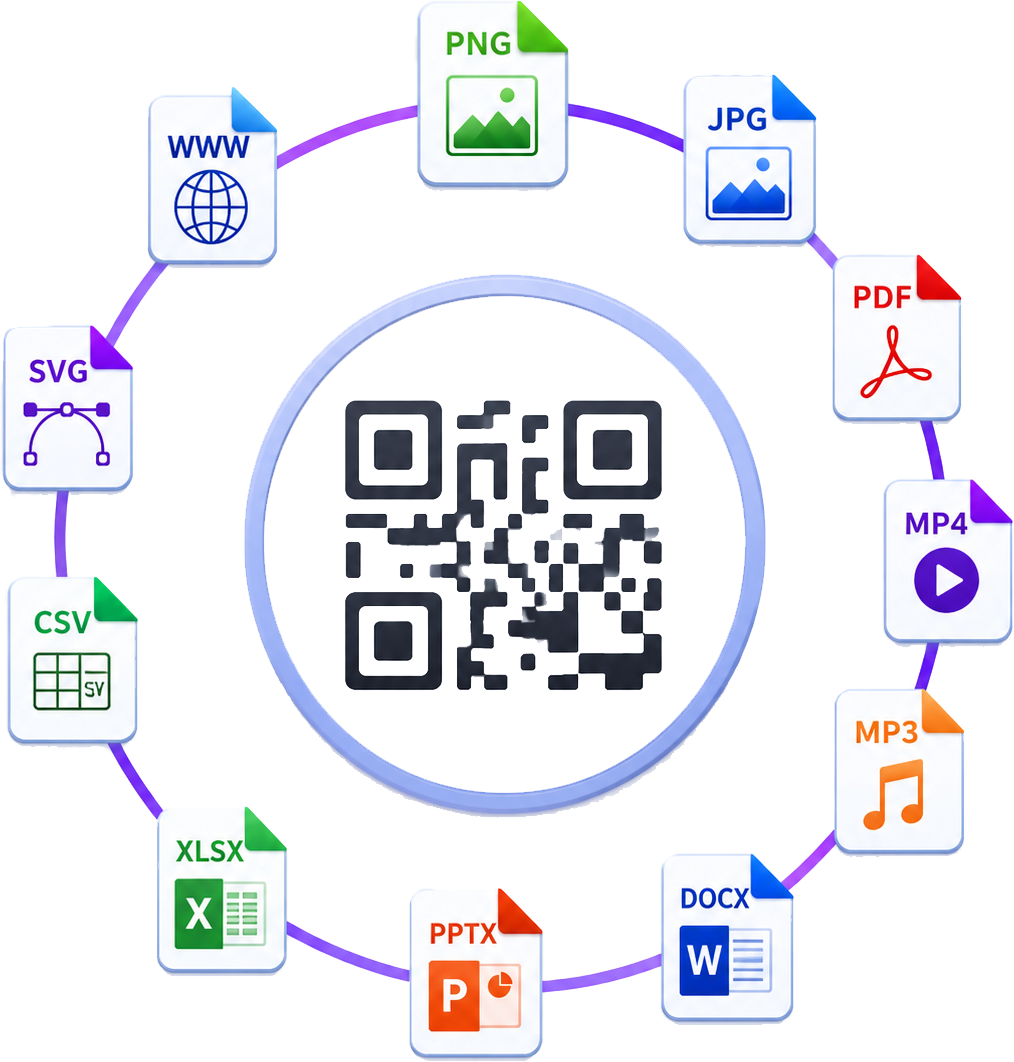
Du kannst unterstützte PDFs, Bilder, Word-Dokumente, Excel-Tabellen und PowerPoint-Dateien hochladen. Die Startseite zeigt dann nur die aktivierten Tools, die zu diesem Upload passen.
Viele Tools können sofort ohne Konto genutzt werden. Je nach Dienst können höhere Limits, Premium-Workflows oder Abonnementfunktionen eine Anmeldung oder Abrechnung erfordern.
Ja. PDF-Uploads schalten Konvertierungstools wie PDF zu Word frei sowie Workflows wie Zusammenführen, Teilen, Komprimieren und Export in Bild- oder Textformate.
Ja. Die Plattform funktioniert in modernen Desktop- und mobilen Browsern, sodass du Dateien von jedem Gerät hochladen, konvertieren und herunterladen kannst.
Viele Kernfunktionen sind ohne Registrierung verfügbar, während erweiterte oder hochvolumige Nutzung von deinem Abonnement oder Zahlungsplan abhängen kann.
Konvertierte Dateien werden nur für begrenzte Zeit gespeichert. Die Plattform basiert auf temporärer sicherer Verarbeitung statt langfristiger Speicherung deiner Uploads.
Ja, bei Tools, die Stapelverarbeitung unterstützen. Die verfügbaren Optionen hängen von den Limits und Dateiregeln des jeweiligen Dienstes ab.
Das ist das Ziel jedes Konvertierungsprozesses. Die Ergebnisse hängen von der Qualität des Quelldokuments ab, aber die Plattform ist darauf ausgelegt, Layout, Struktur und Lesbarkeit bestmöglich zu erhalten.
Das bedeutet normalerweise, dass das Tool deaktiviert ist, der Dateityp für diesen Workflow nicht unterstützt wird oder der Upload die Limits des Dienstes überschreitet.