PDF editor
Your document. Your finishing touches.
Make this PDF yours.
Edit text, fill forms, sign, annotate and arrange your PDFs. Add images, merge or split pages, and export PDF or images.
or drop PDFs here
Your work is saved privately. Sessions close after 30 minutes away from the editor. Exported downloads expire after 2 hours.
Secure
Temporary file storage
Fast
Results in seconds
Quality
Professional output
About this tool
PDF editor
Edit text, fill forms, sign, annotate and arrange your PDFs. Add images, merge or split pages, and export PDF or images.
Upload your PDFs and make the finishing changes in one private workspace. Edit existing text where a text layer is available, fill form fields, add a signature or image, and use drawing and annotation tools. Reorder or remove pages, download edited documents, split pages, merge multiple PDFs, or convert them to PNG or JPG. PDF exports can also be compressed without quality loss and protected with a password. Scanned text needs OCR before it can be edited; cropping and erasing added items are not secure redaction.
Keep creating
Do you need to convert more file types?
Try a related tool or discover another way to work with your files.
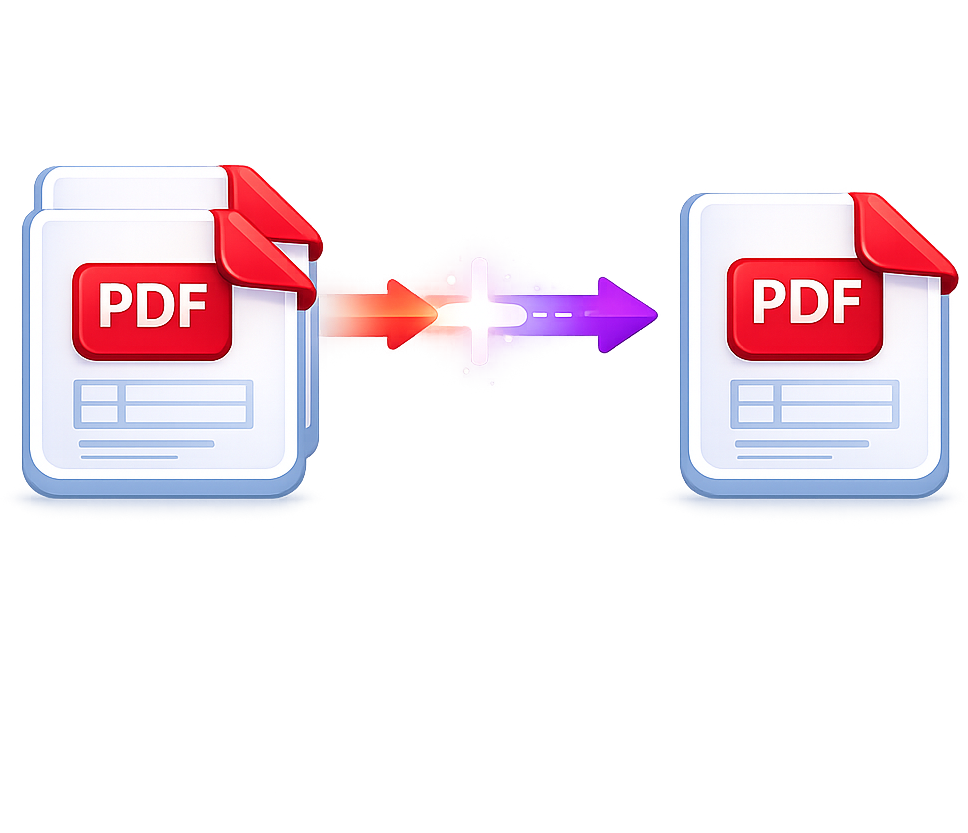
Merge PDF
Combine PDFs in the order you want with the easiest PDF merger available.
Use tool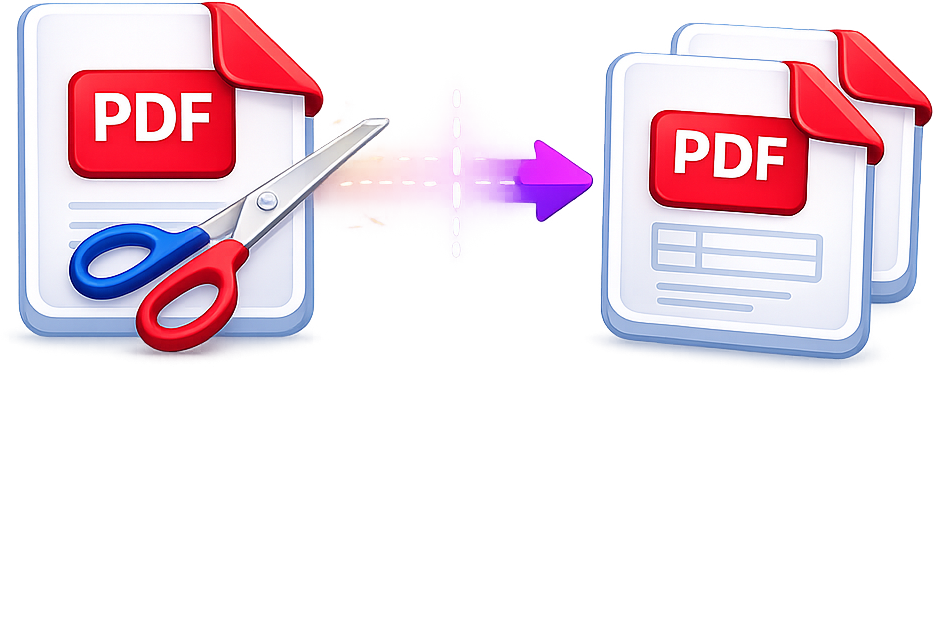
Split PDF
Separate one page or a whole set for easy conversion into independent PDF files.
Use tool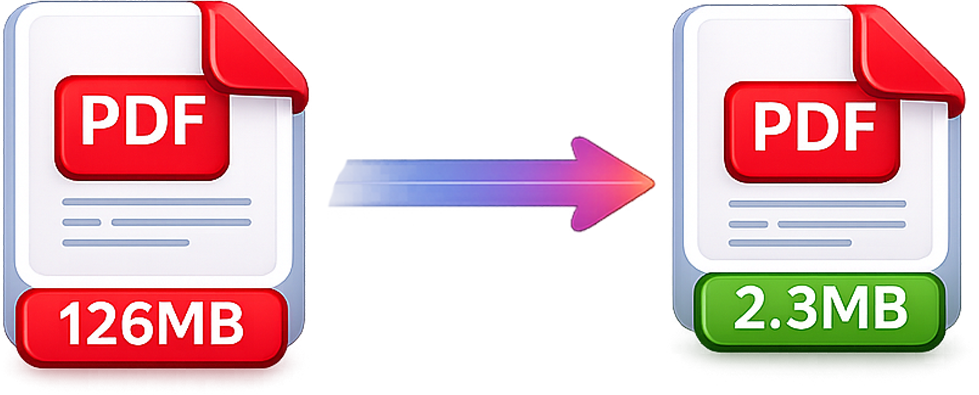
Compress PDF
Reduce PDF file size while maintaining quality.
Use tool
ODG to PDF
Convert OpenDocument graphics into PDF documents.
Use tool