
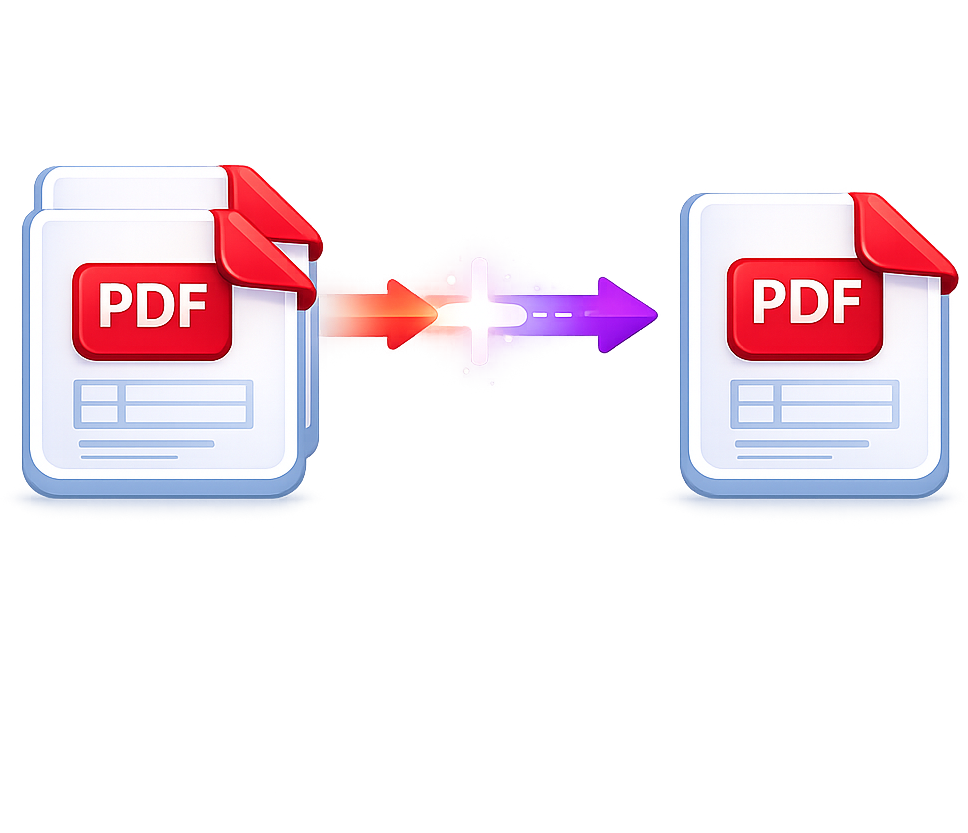
Combina varios archivos PDF en un solo documento.
Combina PDFs en el orden que quieras con el conversor de fusión de PDFs más fácil de usar disponible.
Max 20 MB per file · Up to 10 files
To download file use email
Let us know where to send it
By clicking Continue, I agree to the Terms and Conditions y Privacy Policy.
Your file is ready.
The document has been prepared for you.
- 256-bit SSL
- Auto-deleted
- Privacy protected
Create a free account to download
Your file will be ready as soon as you finish.
By continuing, you accept our Terms y Privacy Policy.
Secure
Temporary file storage
Rápida
Results in seconds
Quality
Professional output
About this tool
Combina varios archivos PDF en un solo documento.
Combina PDFs en el orden que quieras con el conversor de fusión de PDFs más fácil de usar disponible.
Merge PDF Online for Free
Merge PDF files online in seconds with PDFDok. Combine multiple PDF files into a single document without installing software, creating an account, or losing quality. Our free PDF merger is fast, secure, and works on any device, including Windows, Mac, Android, and iPhone.
Whether you need to join PDF files for invoices, reports, contracts, presentations, or scanned documents, PDFDok makes the process simple and reliable.
Why Use PDFDok to Merge PDF Files?
PDFDok is designed to make document management quick and effortless. Upload your PDF files, arrange them in the order you want, and merge PDFs into one professional-looking document with just a few clicks.
Key Features
Merge multiple PDF files into one document
Free online PDF merger
No registration required
Preserve original formatting and quality
Reorder pages before merging
Works on desktop, tablet, and mobile devices
Secure file processing with automatic file deletion after processing
How to Merge PDF Files Online
Merging PDF files online with PDFDok takes only a few steps:
Upload one or more PDF files.
Drag and drop files to arrange them in the correct order.
Click Merge PDF.
Download your merged PDF instantly.
The entire process happens online, so there's no need to install additional software.
Merge PDFs Without Losing Quality
One of the biggest concerns when combining PDF files is maintaining the original layout. PDFDok preserves text, images, fonts, and formatting so your merged PDF looks exactly as intended.
Whether you're merging high-resolution scanned documents or business reports, the final PDF maintains professional quality.
Secure Online PDF Merger
Your privacy matters. Files uploaded to PDFDok are processed through a secure online PDF merger, and they are automatically removed from our servers after processing. This helps keep your documents private while allowing you to merge PDF files online safely.
Merge PDFs on Any Device
PDFDok works directly in your browser, making it easy to combine PDF files wherever you are.
Compatible with:
Windows
macOS
Linux
Android
iPhone and iPad
No downloads or installations are required.
Perfect for Everyday Document Management
People use our PDF merge tool for many different tasks, including:
Combining invoices into one PDF
Joining contracts and legal documents
Merging scanned pages
Creating complete reports
Combining school assignments
Organizing business documents
No matter the purpose, PDFDok helps you create a single, organized PDF in seconds.
Why Choose Our Free PDF Merger?
There are many online PDF tools available, but PDFDok focuses on speed, simplicity, and security. You can merge PDF files quickly without unnecessary steps while keeping your document quality intact.
If you're looking for a fast, free, and secure PDF merger, PDFDok provides an easy solution that works whenever you need it.
Keep creating
Do you need to convert more file types?
Try a related tool or discover another way to work with your files.
Separa un archivo PDF en varios documentos.
Separa una página o un conjunto completo para convertirlo fácilmente en archivos PDF independientes.
Usar herramienta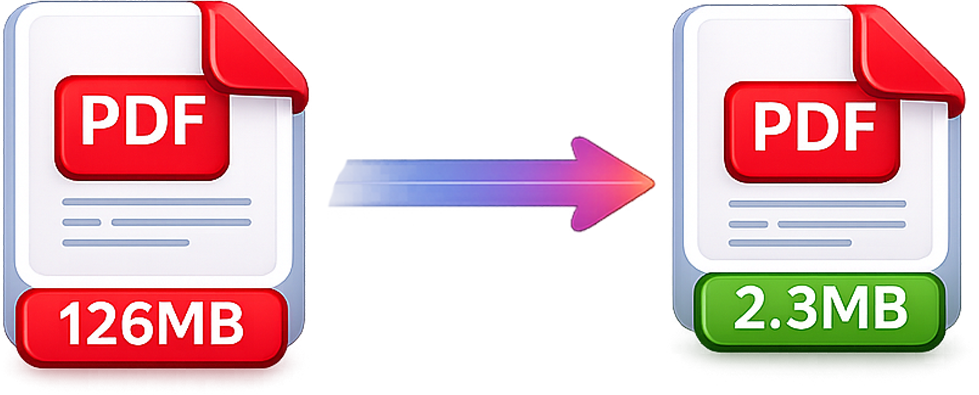
Reduce el tamaño de tus archivos PDF sin perder calidad.
Reduce el tamaño del archivo PDF manteniendo la calidad.
Usar herramienta
ODG to PDF
Convert OpenDocument graphics into PDF documents.
Usar herramienta
PDF to PDF/A
Create an archival PDF/A copy for long-term document storage.
Usar herramienta