
PDF to Excel
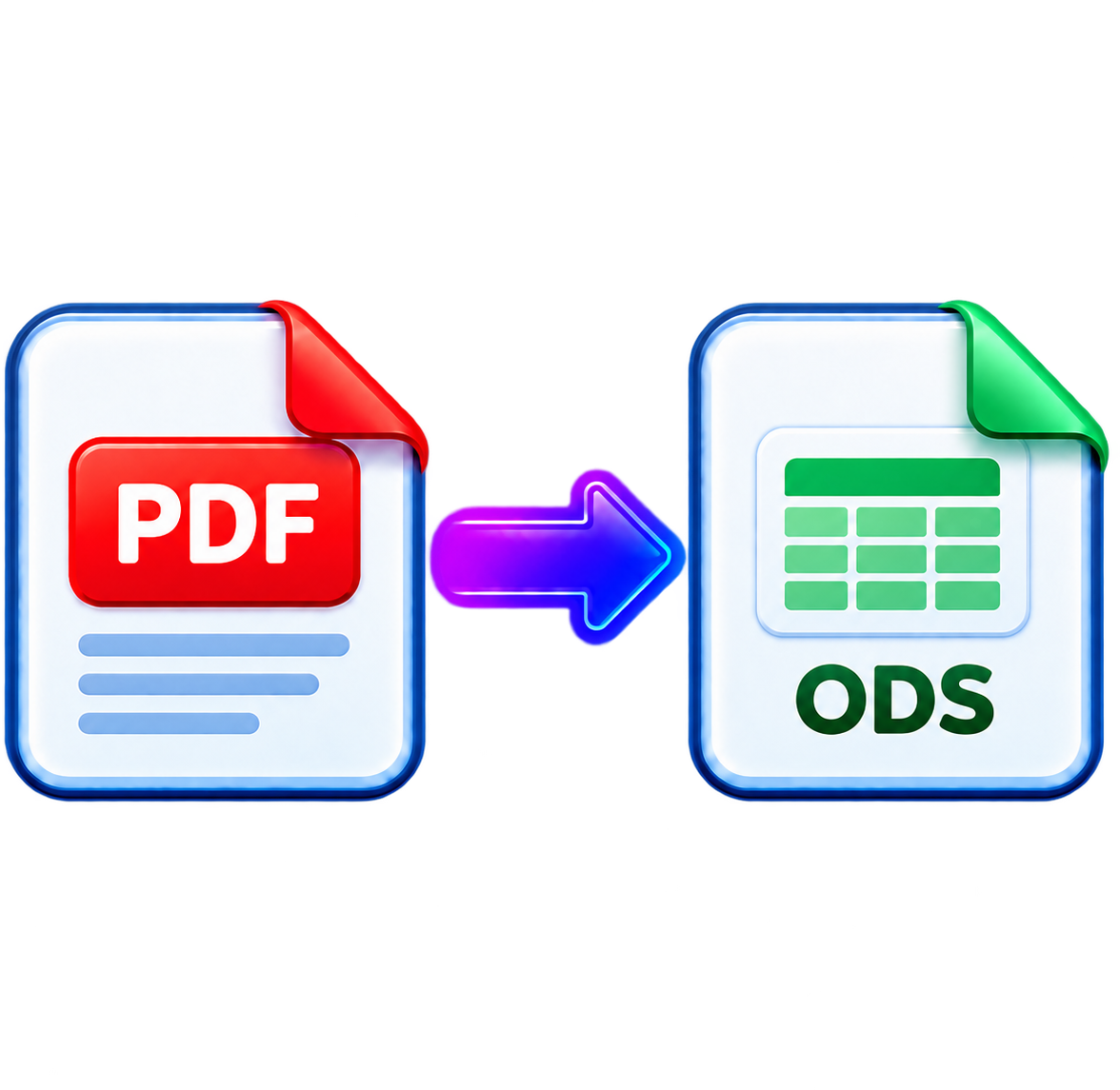
Extract tables from PDF into Excel (XLSX) spreadsheets.
Max 100 MB per file
To download file use email
Let us know where to send it
By clicking Continue, I agree to the Terms and Conditions and Privacy Policy.
Your file is ready.
The document has been prepared for you.
- 256-bit SSL
- Auto-deleted
- Privacy protected
Create a free account to download
Your file will be ready as soon as you finish.
By continuing, you accept our Terms and Privacy Policy.
Secure
Temporary file storage
Fast
Results in seconds
Quality
Professional output
About this tool
PDF to Excel
Extract tables from PDF into Excel (XLSX) spreadsheets.
Convert PDF to Excel Without Rebuilding Your Data
Working with tables trapped inside a PDF can slow down even the simplest task. PDFDok's PDF to Excel converter lets you transform PDF files into editable Excel spreadsheets, so you can sort, calculate, filter, and update your data instead of copying it manually.
Whether you're dealing with financial statements, sales reports, invoices, or spreadsheets exported as PDFs, converting them to XLSX gives you back the flexibility to work with your information. Simply upload your file, let PDFDok process it online, and download an editable spreadsheet in just a few moments.
What Makes the Conversion Useful?
Instead of treating your PDF as a static document, you can turn it into a format that's ready for real work.
Extract tables into editable Excel sheets.
Convert PDF to XLSX directly in your browser.
Save time by avoiding manual data entry.
Keep your workflow simple with no software installation.
Access the tool from desktop, tablet, or mobile.
Get More Value From Your PDF Files
Once your data is back in Excel, you can update figures, create formulas, generate charts, and continue working with the information exactly as you need. PDFDok makes it easy to move from a static PDF to a practical, editable spreadsheet, helping you work more efficiently without unnecessary steps.
Keep creating
Do you need to convert more file types?
Try a related tool or discover another way to work with your files.